PGP Encryption Explained — How to Encrypt Email Securely
An independent, step-by-step guide to understanding PGP basics, securing your email transit, and protecting your local data. Learn the differences between native S/MIME, open-source GPG tools, and robust hardware/software encryption combinations.
What is PGP Encryption? Pretty Good Privacy (PGP) is an encryption protocol primarily used to secure emails and files in transit via public-key cryptography. To encrypt an email securely, you need your recipient's public key to lock the message, which they later unlock using their private key. While highly secure for transit, PGP does not protect files resting on your hard drive unless separately encrypted.
What is PGP Encryption and How Does It Secure Data Over the Internet?
Most email services already use transport encryption between servers, but that is not the same as end-to-end protection. A provider, a compromised mailbox, or an unlocked endpoint may still expose the message after delivery.
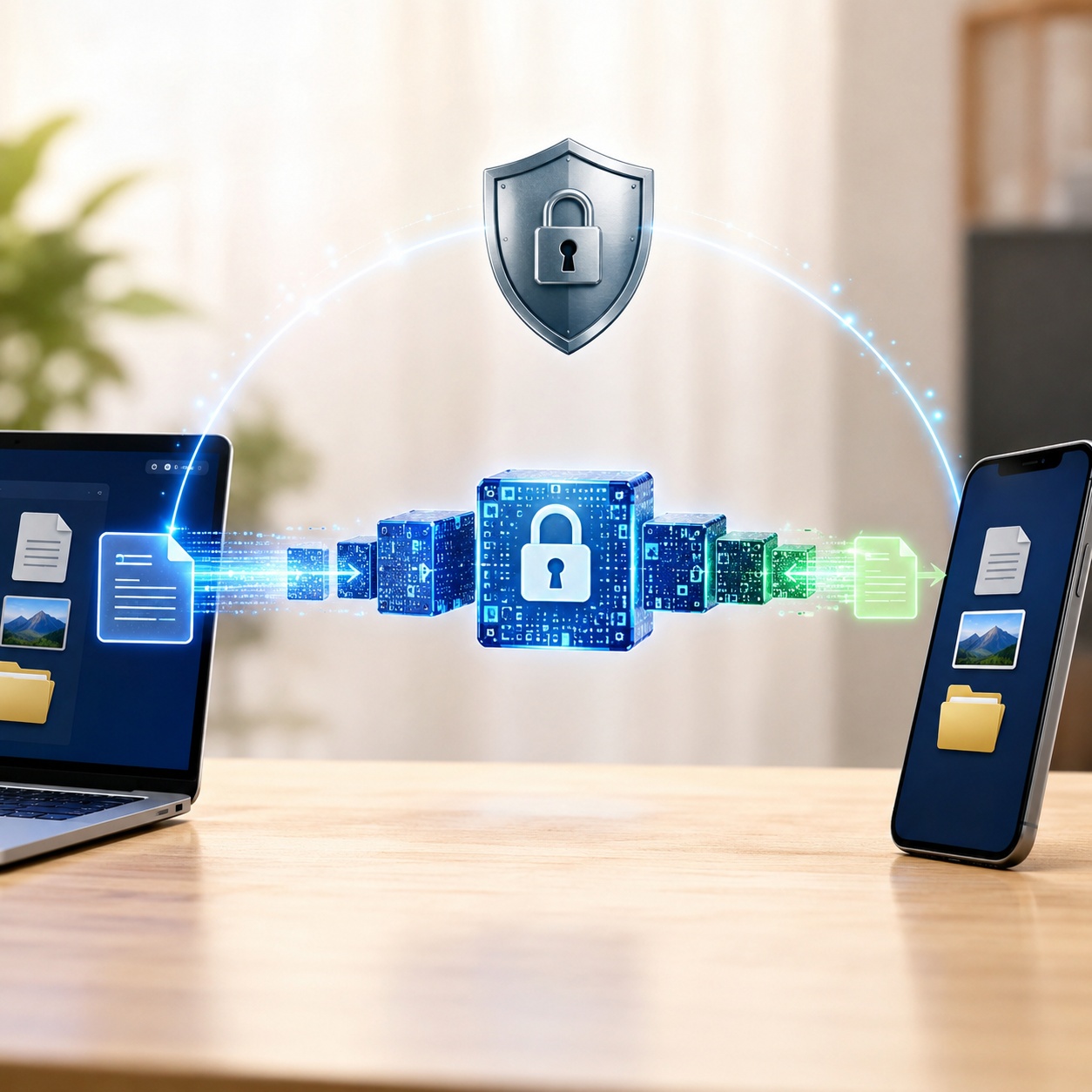
PGP uses two layers of cryptography. A temporary symmetric key handles the message or file efficiently, while the recipient’s public key protects that temporary key. A public key can be distributed to senders; the matching private key must remain under the recipient’s control. Digital signatures can also show whether the content changed and which key signed it.
Email Encryption How-To: 3 Different Approaches
If you've searched for "how to encrypt a file for email on mac" or "PGP encryption email outlook", you have several paths. Here are the primary methods available today.
Method 1: Native OS / Built-in OS Method (S/MIME)
Before installing third-party tools, check if your corporate environment already supports S/MIME. Applications like Microsoft Outlook and Apple Mail support this natively.
- How it works: You obtain a digital certificate from a Certificate Authority (CA). Outlook uses this to encrypt messages.
- Setup: Go to Outlook Trust Center > Email Security > Settings > Certificates and Algorithms. Select your installed S/MIME certificate.
- Limitations: Both sender and recipient must have S/MIME configured. It relies on a centralized CA hierarchy rather than a decentralized web of trust.
Method 2: Free Open-Source Tools (GnuPG / Kleopatra)
If you want pure PGP encryption without centralized authorities, GnuPG (GPG) is the open-source standard.
- How it works: You generate a local keypair. Windows users typically install Gpg4win, which includes Kleopatra (a visual certificate manager).
- How to gpg encrypt a file: You can right-click a file, select "Sign and encrypt", and choose the recipient's public key.
Method 3: Dedicated Encryption Software for Files
PGP protects a transfer only while the content remains encrypted. After decryption, an ordinary saved copy is exposed to anyone who can access the endpoint. File-level encryption is therefore a separate control for laptops, shared workstations, removable media and synchronized folders.
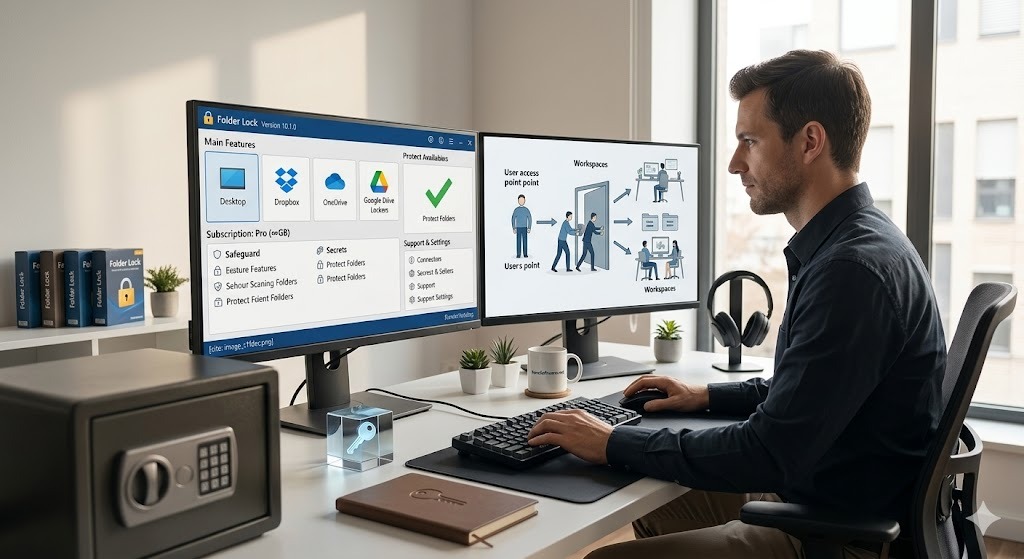
Folder Lock uses encrypted lockers for this at-rest layer. Folder Protect and Folder Lock Lite should not be described as equivalent encryption options, because their role is locking, hiding or restricting access rather than encrypting the underlying file contents.
Choose Protection by Threat, Not by Product Name
S/MIME
A strong fit for managed Outlook or Apple Mail environments where administrators can issue and maintain certificates.
OpenPGP / GnuPG
Useful when end-to-end confidentiality and signatures matter, but every participant must manage keys and verify identities correctly.
Folder Lock
Designed for encrypted local or cloud-linked storage. It can secure a file before transfer, but it does not encrypt the email body or authenticate the sender.
Folder Protect
Best when a shared Windows computer needs granular restrictions. It controls access to existing data rather than converting the data into encrypted form.
Use Folder Lock for Files That Must Stay Encrypted After Delivery
PGP and S/MIME protect a communication workflow. Folder Lock addresses the next stage: documents that have been downloaded, copied to removable storage or placed in a synced folder.
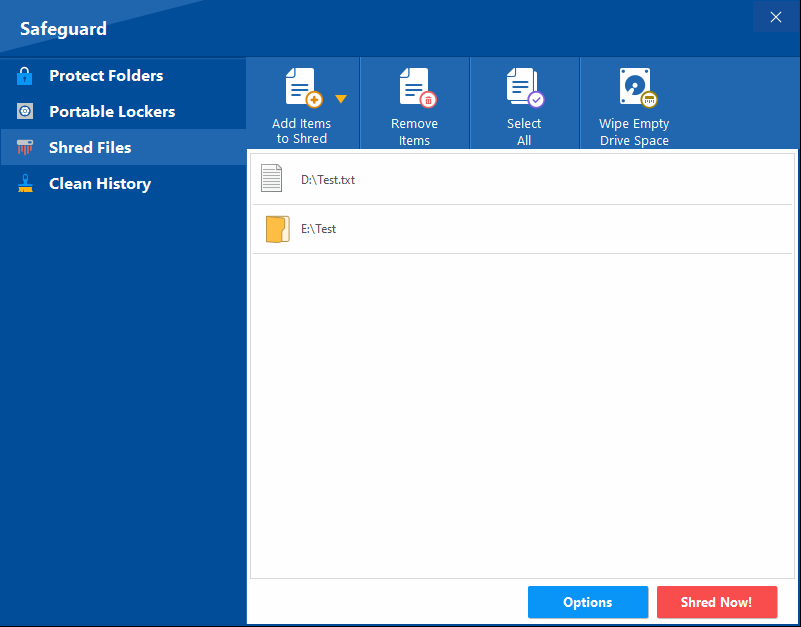
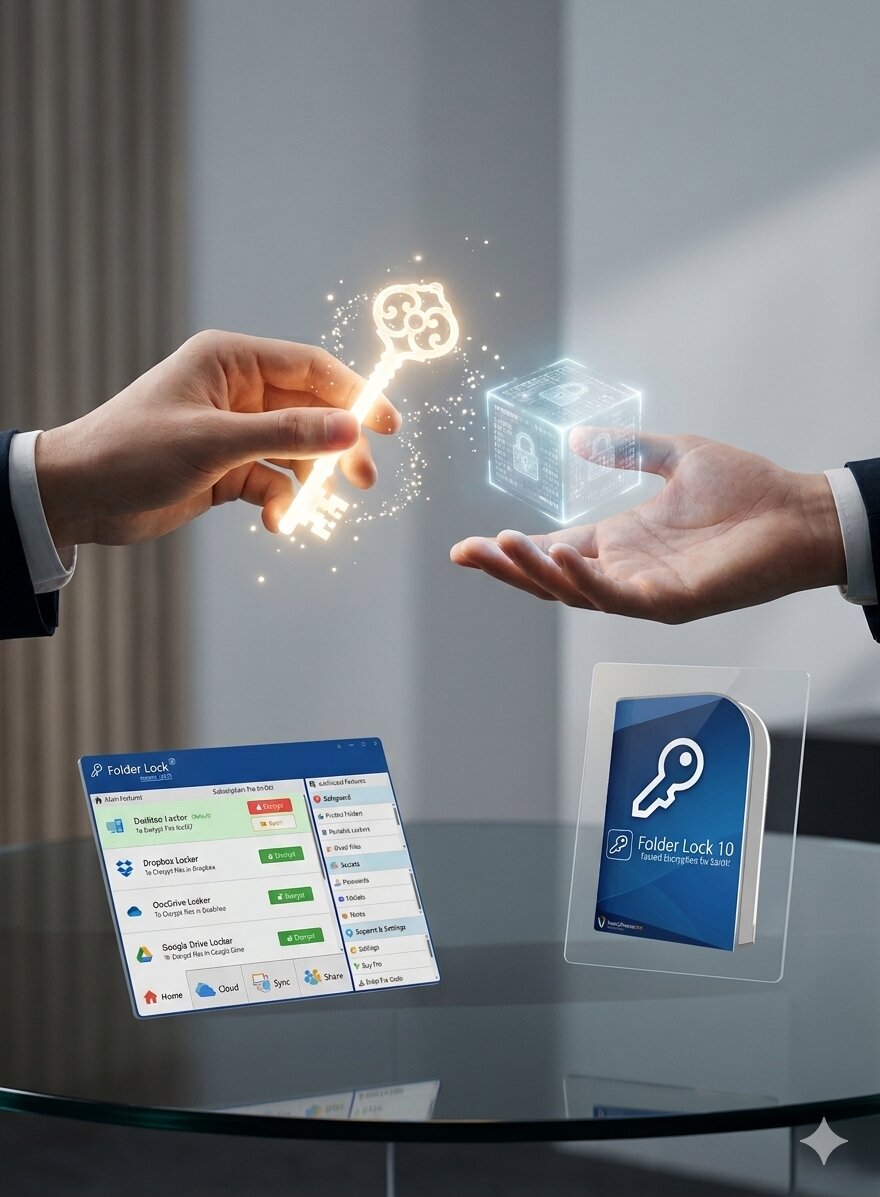
Its main role is encrypted storage. Files can be placed in a local locker or in lockers connected to Dropbox, Google Drive and OneDrive. Windows users also get separate Safeguard tools for locking or hiding items, creating portable lockers, securely deleting data and clearing selected Windows activity traces.
What it adds to an email-security plan
- Encrypted lockers: AES-256 protection for files stored inside the locker.
- Cloud-linked lockers: Encryption is applied before locker data is synchronized through a supported cloud service.
- Cross-device access: Companion apps are available for Windows, macOS, iOS and Android, with features varying by platform.
- Controlled collaboration: The sharing workflow can authorize other Folder Lock users without distributing the owner’s account password.
- Clear boundary: It does not replace PGP, S/MIME, mailbox security or full-disk encryption.
Folder Lock, Folder Protect or Folder Lock Lite?
These products overlap in naming, but they are built for different security outcomes. Choose according to whether you need encryption, Windows access rules or a basic concealment tool.
Folder Lock 10
Choose it for: encrypted storage, cloud-linked lockers, device synchronization and protected file sharing.
Desktop support: the supplied material lists Windows 10/11 on 64-bit systems and macOS 13 or newer.
Important: the macOS edition does not include the Windows Safeguard module, so feature parity is not complete.
Folder Protect
Choose it for: a shared Windows machine where selected files, folders, drives, programs or file types need separate restrictions.
Controls: block visibility, opening, modification or deletion in different combinations.
Important: this is access control, not encryption. Historical stealth-mode support also has Windows-version limitations.
Folder Lock Lite
Choose it for: basic hiding and locking on older Windows-focused setups.
What is missing: the research material states that the Lite edition does not include encryption.
Important: do not use concealment alone for files that must remain unreadable after copying or disk removal.

iOS and Android Apps
Shared functions: private media and document storage, protected notes and wallets, cloud backup, access-attempt monitoring and a private browser.
Platform differences: Android lists an app-locking tool, while iOS lists Wi-Fi file transfer.
Important: mobile apps are companion vaults, not replicas of every Windows desktop feature.
What Folder Lock Actually Protects
The product combines encrypted storage with several optional privacy tools. The distinction matters because a hidden folder, a locked folder and an encrypted locker do not provide the same protection.
Encrypted Desktop and Cloud Lockers

Files placed inside a locker are protected with AES-256. A Desktop Locker keeps the protected data local, while cloud-linked lockers are designed to work with Dropbox, Google Drive or OneDrive so encrypted locker content can be synchronized.
Portable Encrypted Containers

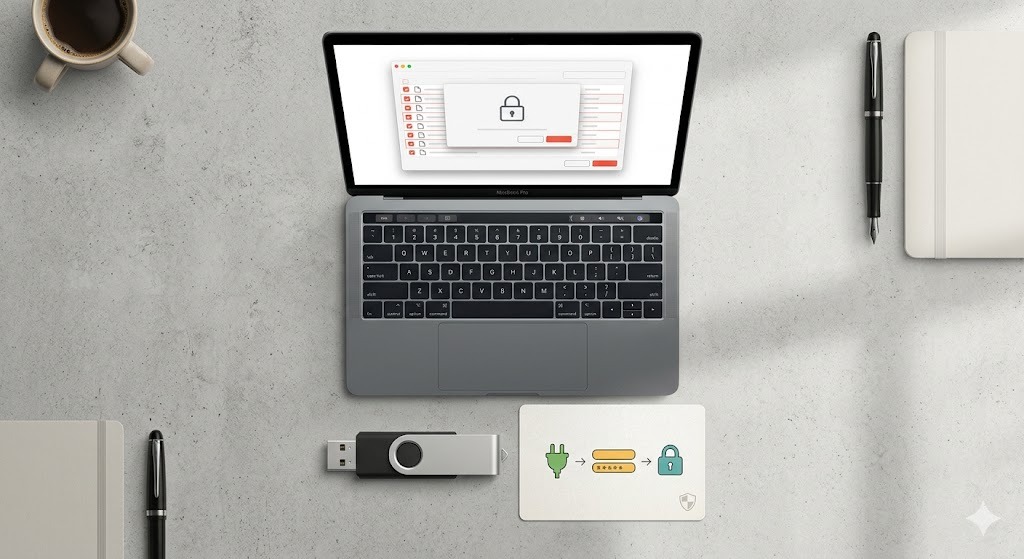
The Windows Safeguard area can create a portable locker for removable media or transfer. This is more appropriate than calling a normal USB drive a “security key,” because it protects stored files rather than providing FIDO authentication.
Protect Folders Is a Separate Control
The Protect Folders function hides or blocks access to selected Windows items without encrypting their contents. It is useful for local privacy, but encrypted lockers are the stronger choice when data could be copied, imaged or removed from the computer.
Sharing and Device Sync
Folder Lock can synchronize supported locker data across linked devices and can share selected encrypted content with authorized users. Recipients should be tested in advance because access depends on the selected sharing or portable-locker workflow.
Secrets and Privacy Utilities
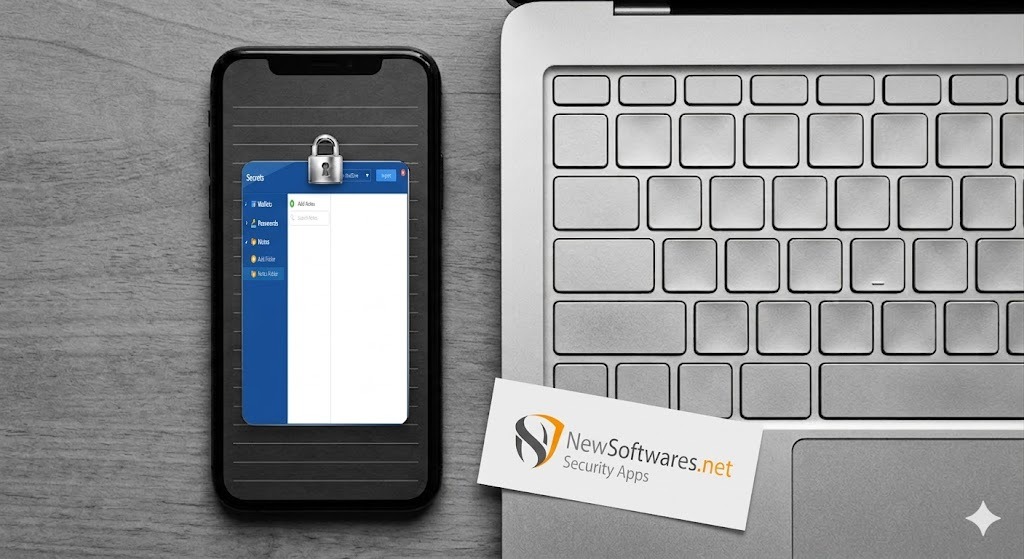
Depending on the platform and plan, the suite includes protected notes, password records and wallet-style entries. Windows also lists secure deletion and history-cleaning tools; those utilities are separate from encryption and should be configured deliberately.
Mobile Vault Features
The mobile editions focus on photos, videos, documents, audio, notes and wallet data. Android adds application locking, while iOS adds local Wi-Fi transfer. Do not assume a desktop-only feature is present on mobile.
PGP Web of Trust vs S/MIME CA Hierarchy
To fully grasp email encryption software, you must understand how identities are verified.
S/MIME relies on a Certificate Authority (CA). You pay a trusted third party to vouch for your identity. It’s highly structured, making it the preferred email encryption software for corporate outlook environments.
PGP relies on a "Web of Trust." There is no central authority. Users sign each other's keys to vouch for authenticity. This is why you see warnings about an "aead integrity check in pgp key" or verifying fingerprints. It is decentralized and free, but requires active user management.
Hardware vs Software Encryption — Performance Tradeoffs
Software encryption uses the computer’s processor and storage path, so the effect depends on file size, disk speed and workload. Modern processors often handle AES efficiently, but organizations should still benchmark large transfers, virtual machines and backup jobs. Self-encrypting drives move more work into hardware, though cost and management requirements are different.
How to Send an Encrypted File Without Confusing the Recipient
An encrypted attachment can be practical when the recipient cannot use PGP, but it protects the file package rather than the email itself. Confirm the recipient’s software, file-size limits and recovery expectations before sending sensitive material.
- Choose the correct method: use PGP or S/MIME when the message, sender identity and attachment all need an end-to-end email workflow. Use an encrypted container when the main requirement is protecting a file package.
- Create a separate transfer container: in Folder Lock for Windows, use a portable locker or an approved sharing workflow rather than sending your everyday Desktop Locker.
- Use a unique passphrase: do not reuse the Folder Lock account password, mailbox password or another business credential.
- Add and verify the files: place only the intended documents in the container, close it, then reopen it locally to confirm that the password and contents work.
- Send through separate channels: transmit the encrypted container by email or another approved service, and deliver the passphrase through a different channel.
- Test the recipient workflow: confirm that the recipient can open the selected locker format or has the required Folder Lock account/app before deleting your transfer copy.
Troubleshooting PGP and Local File Protection
Can a PGP message be decrypted without the private key?
No legitimate website can bypass correctly implemented PGP encryption. If the required private key or passphrase is gone, recovery may be impossible. Avoid uploading confidential material to sites that claim they can “unlock” encrypted files online.
Why does GnuPG report an integrity or AEAD error?
Common causes include a damaged transfer, a truncated attachment or incompatible software versions. Compare file hashes when available, resend the original file and update both endpoints before assuming that the passphrase is wrong.
What happens if a Folder Lock password is forgotten?
Do not promise that support can restore encrypted data. The supplied materials describe different recovery behavior across older and newer product generations, while several current locker instructions warn that a lost master password can prevent decryption. Store credentials in a separate password manager and test any account-recovery process before placing irreplaceable files in a locker.
Why is a protected folder still not “encrypted”?
Folder Lock’s Protect Folders tool and Folder Protect can restrict or conceal Windows items without changing the underlying file data. Use an encrypted locker when the threat includes disk imaging, copying to another device or removal of the storage media.
Why are features different on another device?
The Windows, macOS, Android and iOS editions are not identical. For example, Safeguard is a Windows desktop capability, Android lists app locking, and iOS lists Wi-Fi transfer. Check the feature list for the exact platform before purchasing or documenting a company process.
Free, Pro and Platform-Specific Restrictions
Commercial software is not automatically more secure than GnuPG. The paid value is mainly in guided workflows, integrated storage features, official support and reduced training overhead. Plan tables also differ by operating system, so the selected platform must be checked before purchase.
Platform snapshot: the supplied desktop material lists Windows 10/11 64-bit and macOS 13+. iOS and Android apps are available, but their features are not identical to the desktop editions. The Mac edition omits the Windows Safeguard feature set.

Frequently Asked Questions
Encryption for Compliance (HIPAA, GDPR)
Encryption can support HIPAA, GDPR and other security obligations, but an algorithm alone does not establish compliance. Organizations also need access controls, retention rules, recovery procedures, audit evidence and endpoint protections. PGP can cover selected transfers, while encrypted local storage can reduce exposure after a file is downloaded.
NIST Post-Quantum Cryptography
As quantum computing advances, traditional RSA keys used in older PGP setups may become vulnerable. Organizations are beginning to look toward lattice-based algorithms (like CRYSTALS-Kyber) to future-proof their secured communications against future decryption threats.
Use More Than One Layer
Use PGP or S/MIME when the communication itself needs end-to-end confidentiality and identity verification. Use Folder Lock when selected files should remain encrypted on local, removable or supported cloud-linked storage. Use Folder Protect only when a Windows workstation needs granular access rules without encrypting the underlying data.
For device theft, combine file-level protection with full-disk encryption. For business use, document password recovery, recipient compatibility, platform differences and the exact plan limits before rolling the workflow out to employees.